Your own look
Code
Read the docs →import { ChartWidget } from '@tradecanvas/chart/widget'
// feed: your DataAdapter (a WebSocketAdapter, or your own class)
const widget = new ChartWidget(document.getElementById('chart')!, {
symbol: 'AAPL',
timeframe: '5m',
theme: 'dark',
adapter: feed,
ui: 'terminal', // or 'studio' (default), 'capsule', or your own theme
})
widget.setUI('capsule')● Simulated market data, generated in your browser
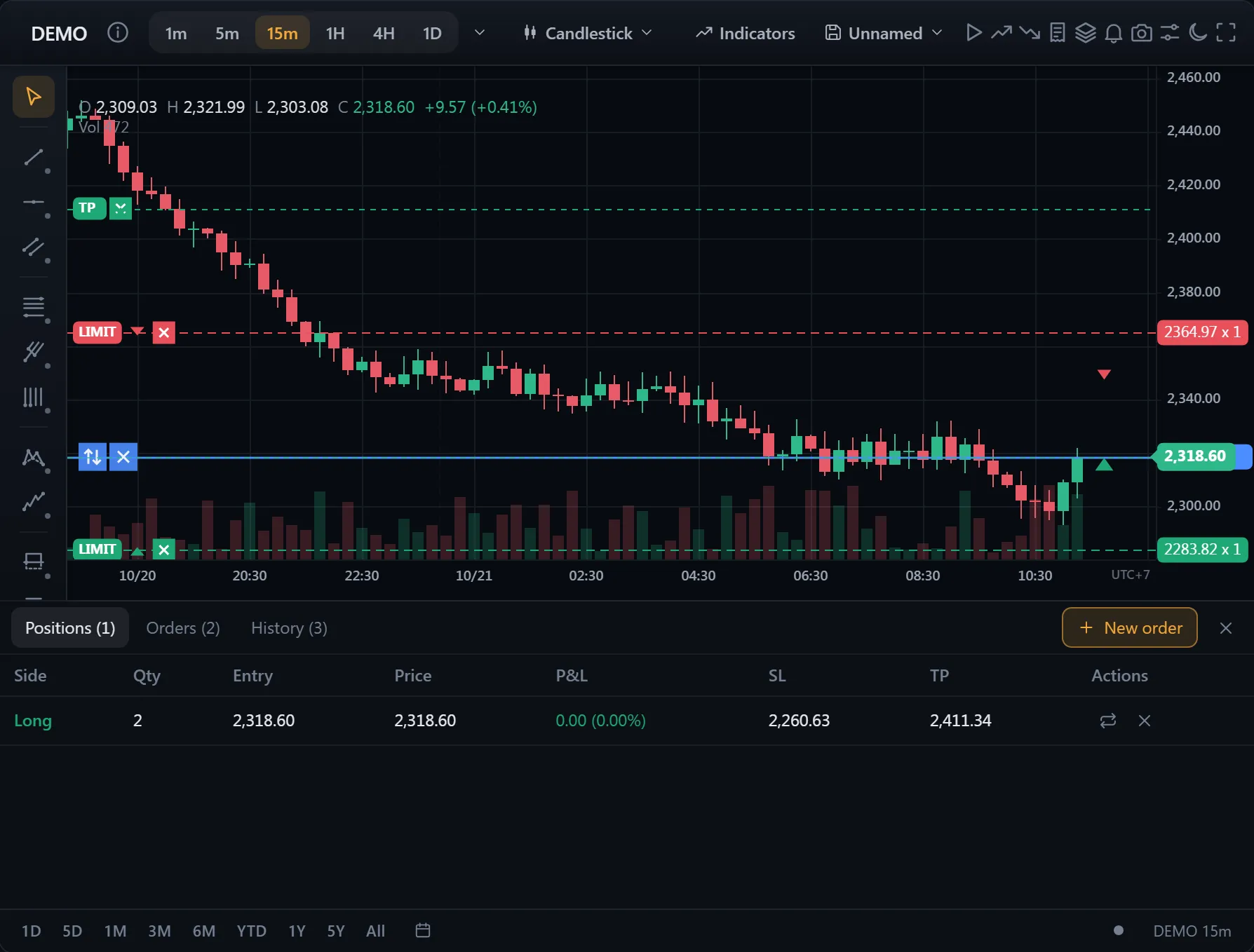
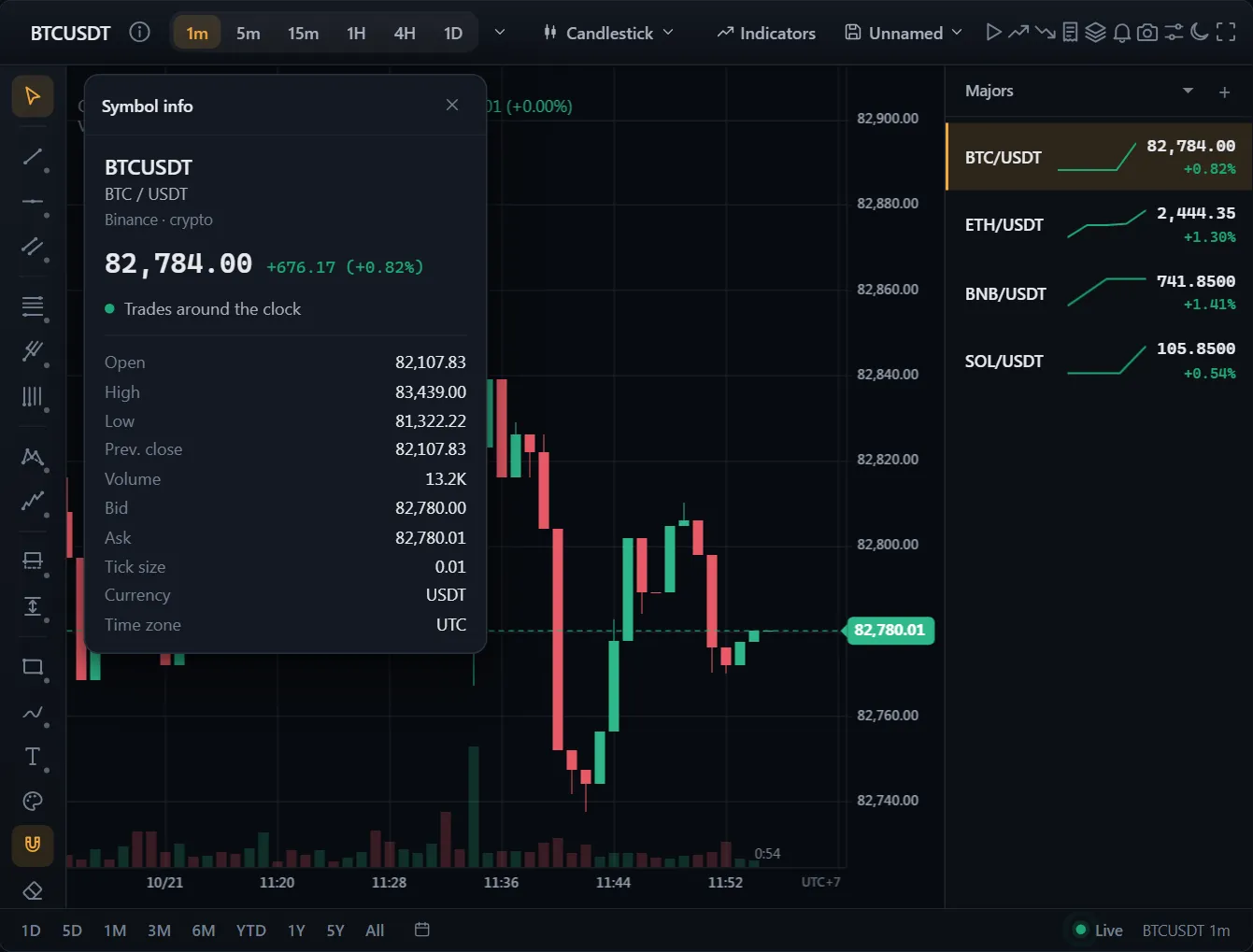
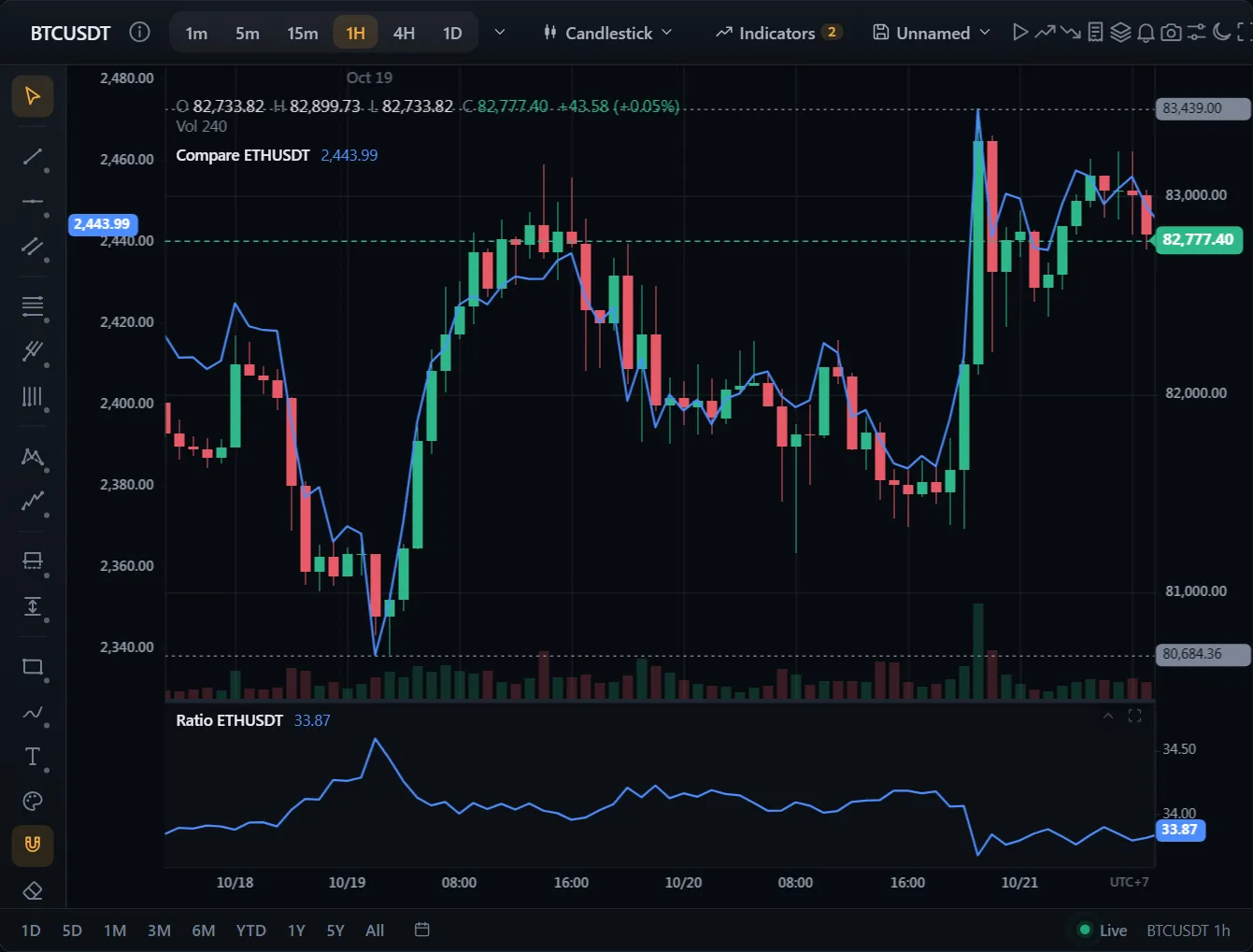
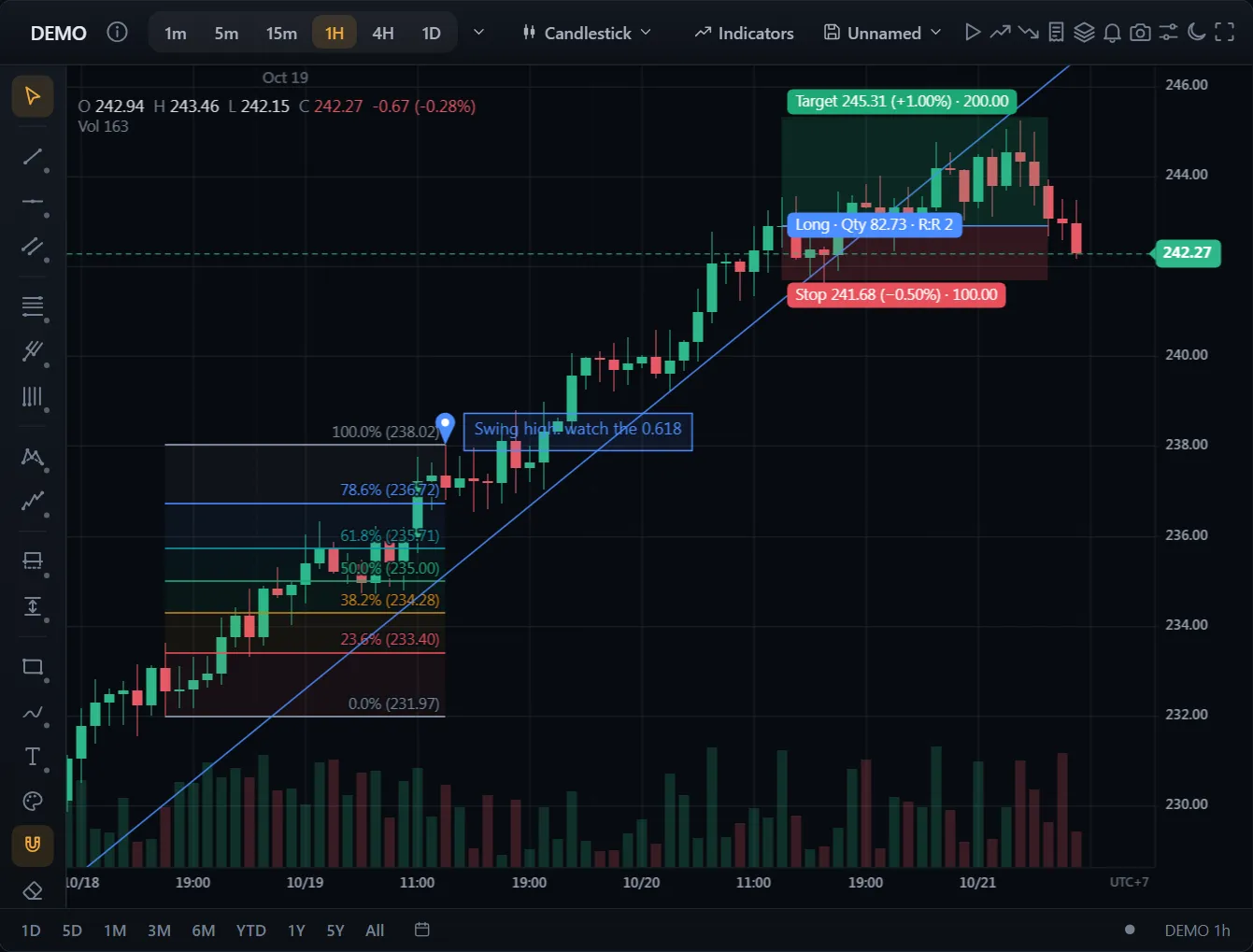
A complete screen out of the box: order ticket, orders and positions on the chart, stop-loss and take-profit you drag, watchlists, alerts and bar replay.
API: setUI