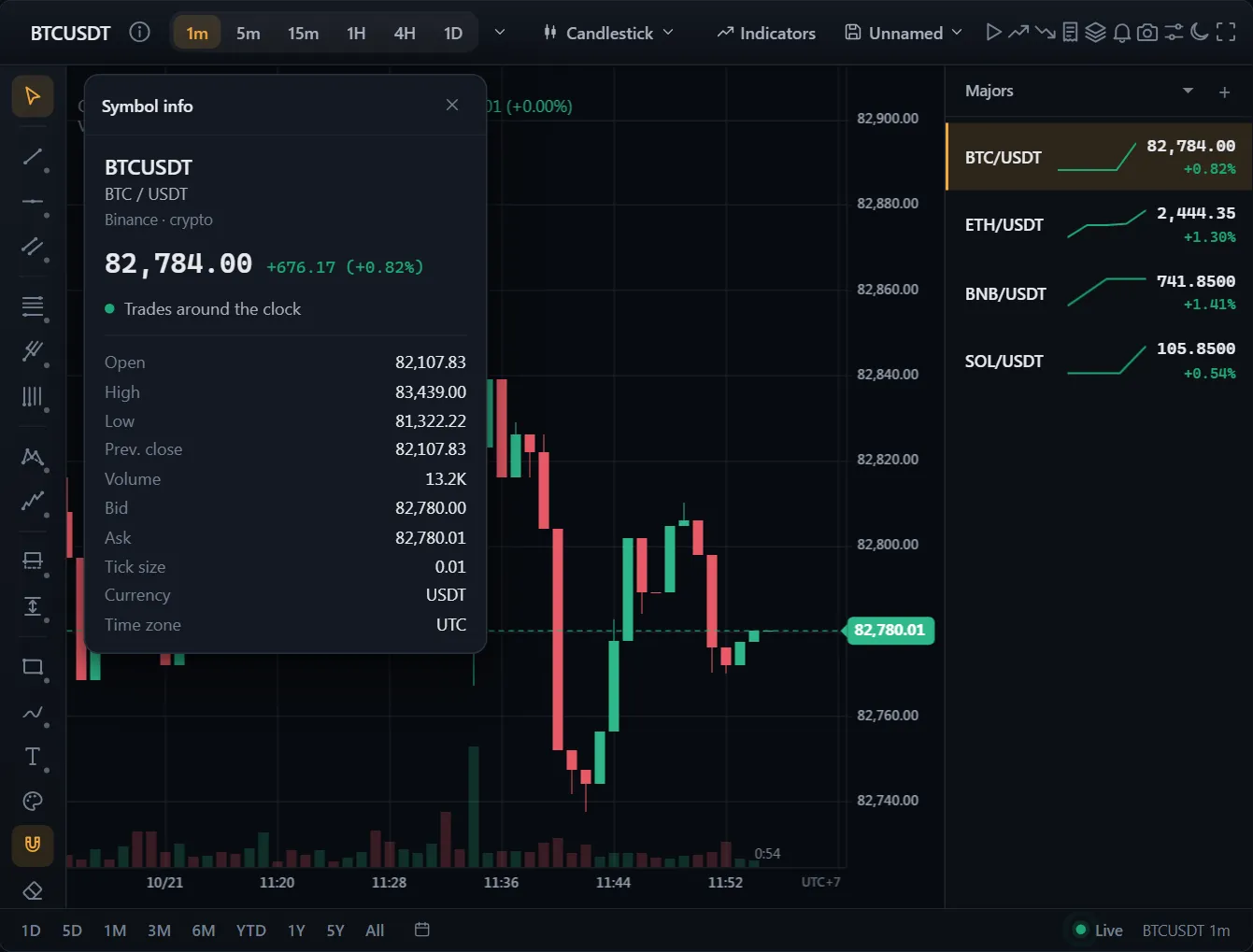
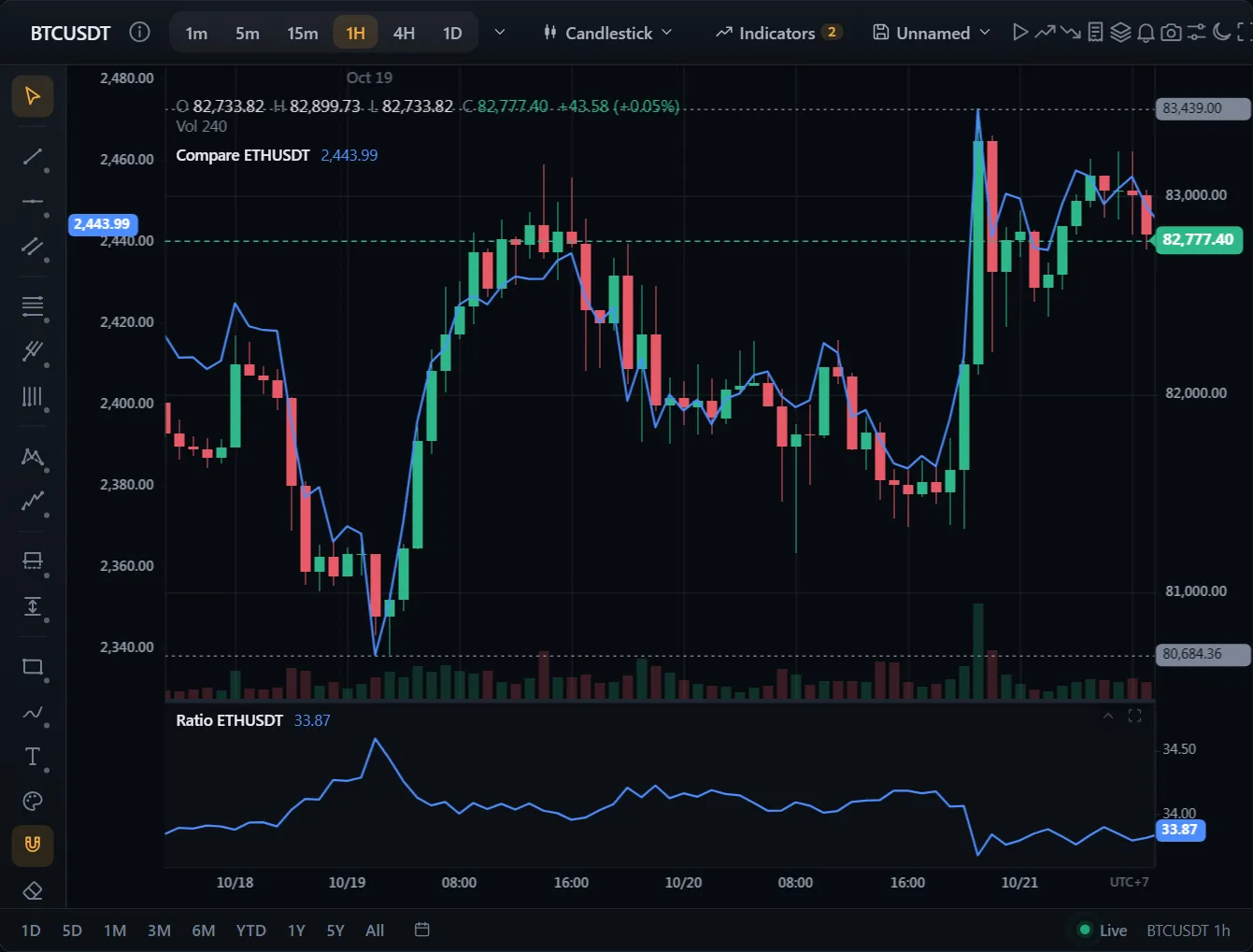
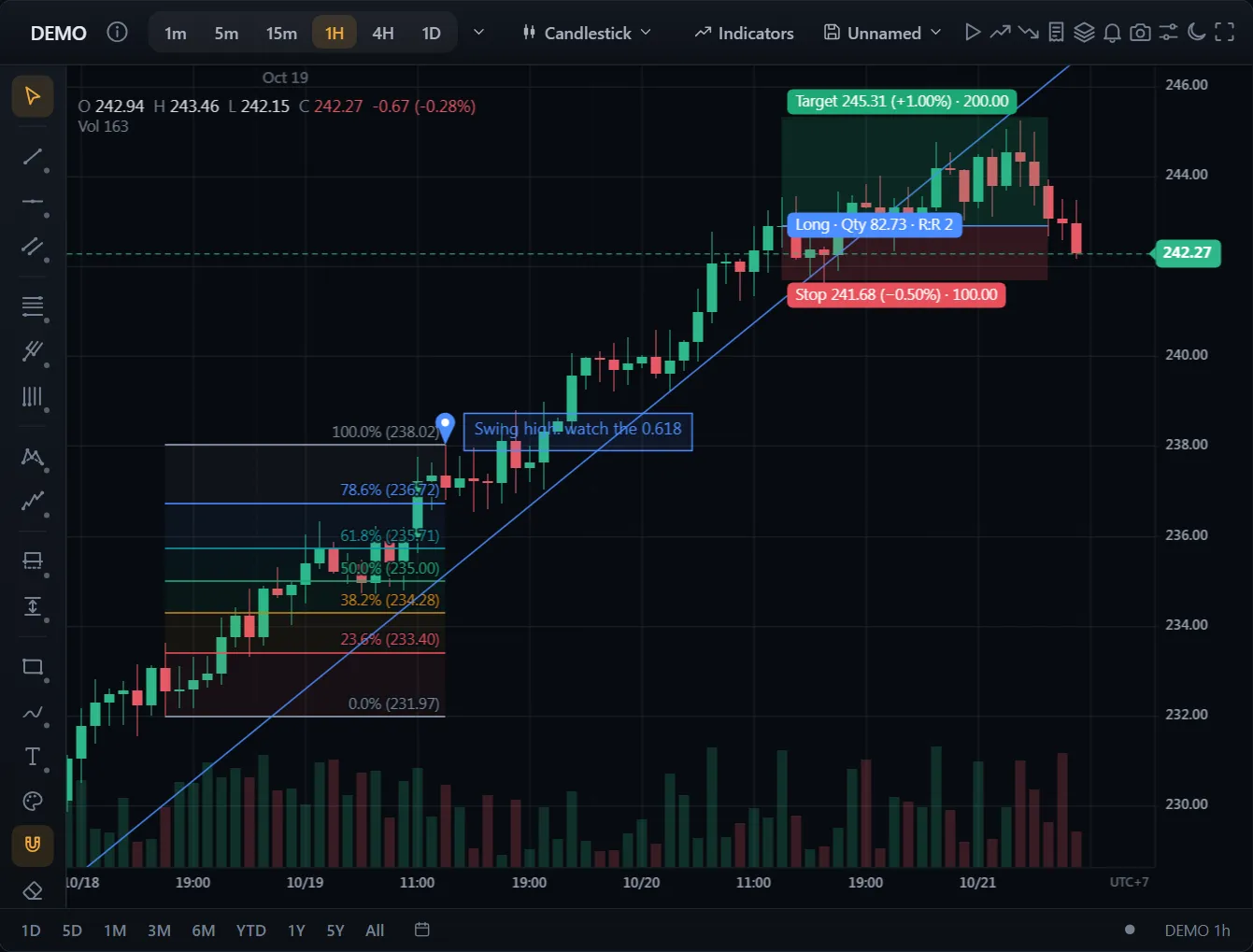
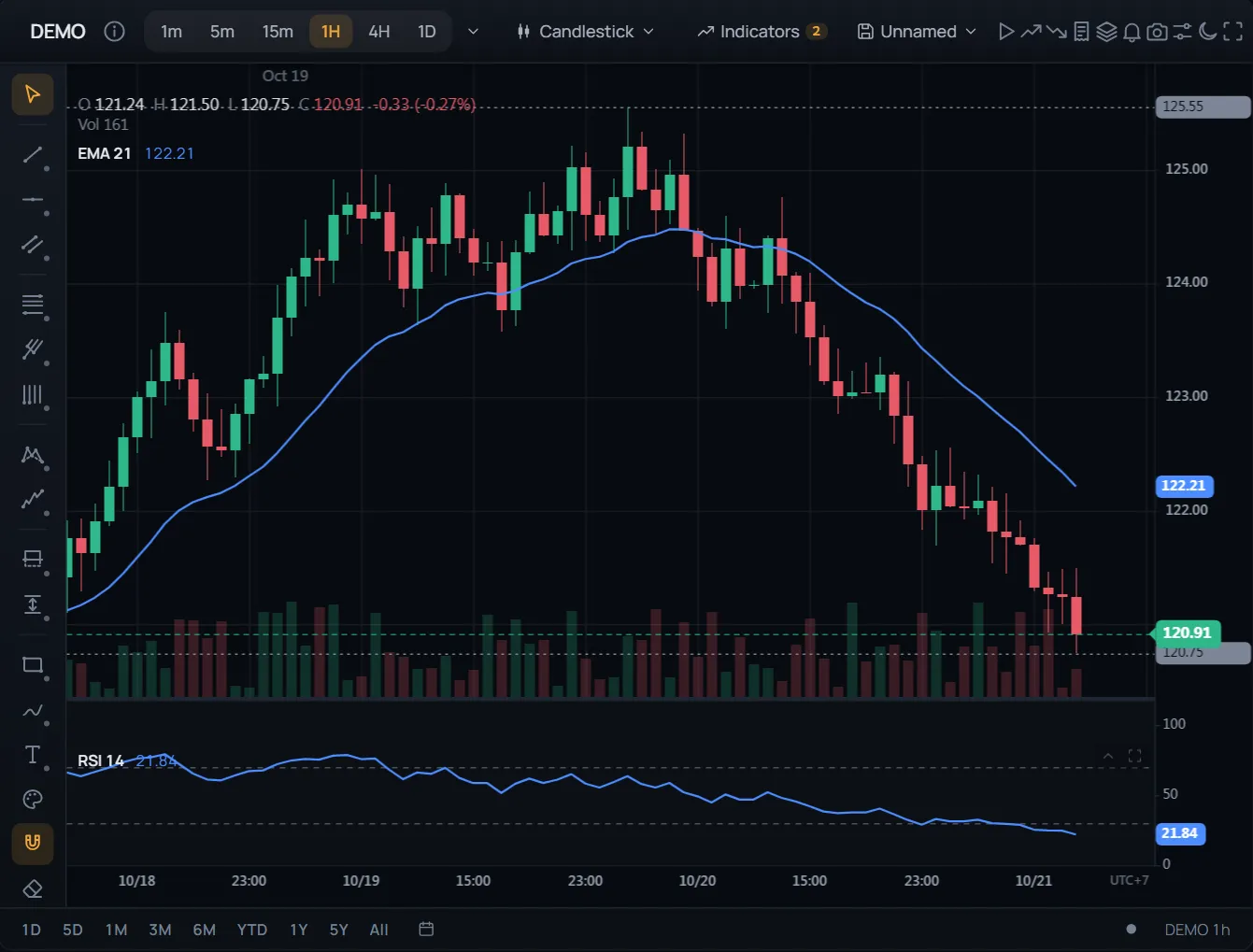
チャート上の注文とポジション
コード
ドキュメントを見る →import { ChartWidget } from '@tradecanvas/chart/widget'
// feed: your DataAdapter (a WebSocketAdapter, or your own class)
const widget = new ChartWidget(document.getElementById('chart')!, {
symbol: 'AAPL',
timeframe: '5m',
theme: 'dark',
adapter: feed,
trading: true, // order ticket, orders and positions on the chart
})
// Each order from the ticket, the chart or the ladder reaches you here.
widget.getChart().on('orderPlace', (order) => broker.place(order))● ブラウザー内で生成したシミュレーション市場データ
すぐに使える完成画面: 注文チケット、チャート上の注文とポジション、ドラッグできる損切りと利確、ウォッチリスト、アラート、バーリプレイ。
指値・逆指値・ブラケット注文を価格軸上に表示。ラインをドラッグして変更できます。
API: ChartWidget