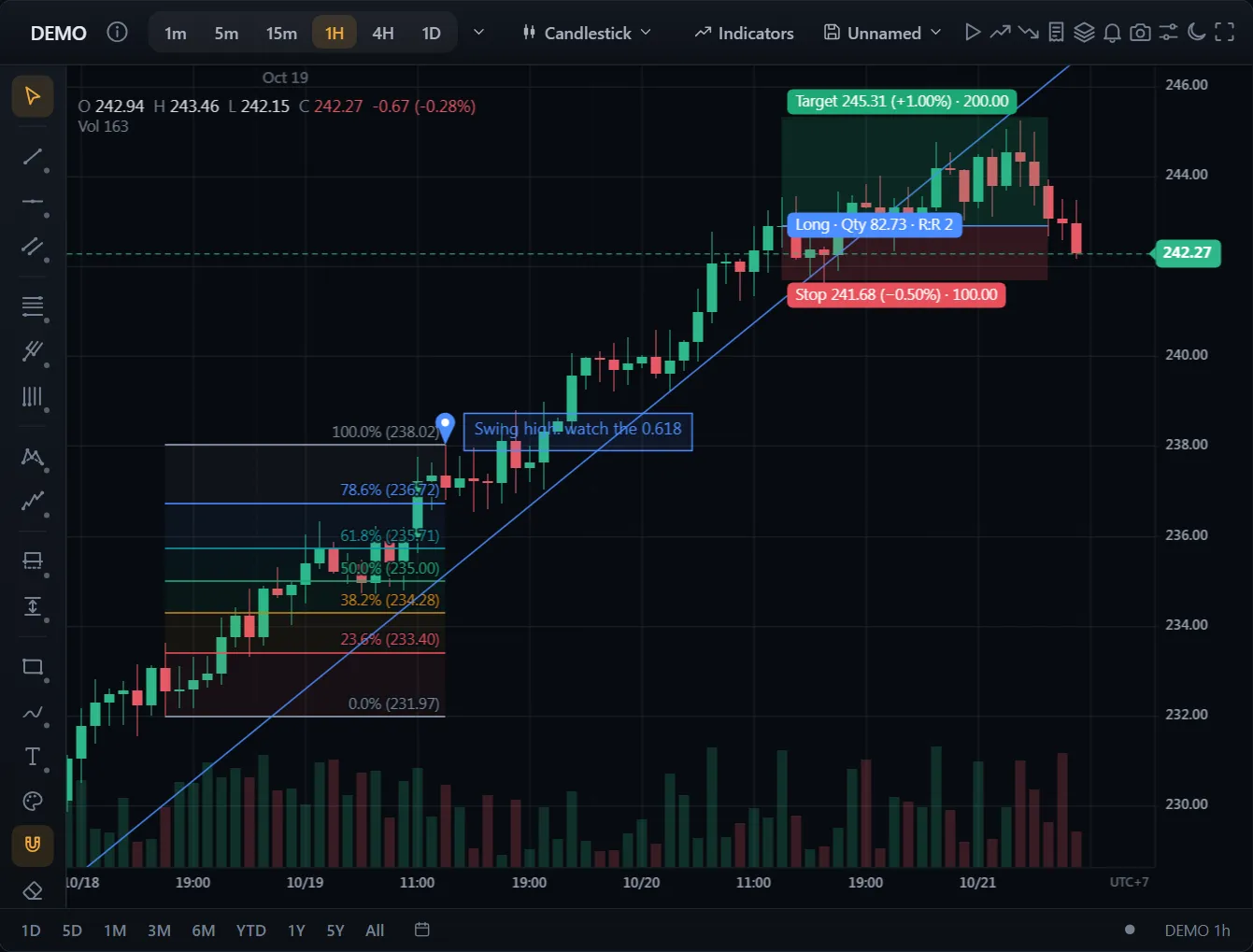
차트 위 주문과 포지션
코드
문서 보기 →import { ChartWidget } from '@tradecanvas/chart/widget'
// feed: your DataAdapter (a WebSocketAdapter, or your own class)
const widget = new ChartWidget(document.getElementById('chart')!, {
symbol: 'AAPL',
timeframe: '5m',
theme: 'dark',
adapter: feed,
trading: true, // order ticket, orders and positions on the chart
})
// Each order from the ticket, the chart or the ladder reaches you here.
widget.getChart().on('orderPlace', (order) => broker.place(order))● 브라우저에서 생성한 시뮬레이션 시장 데이터
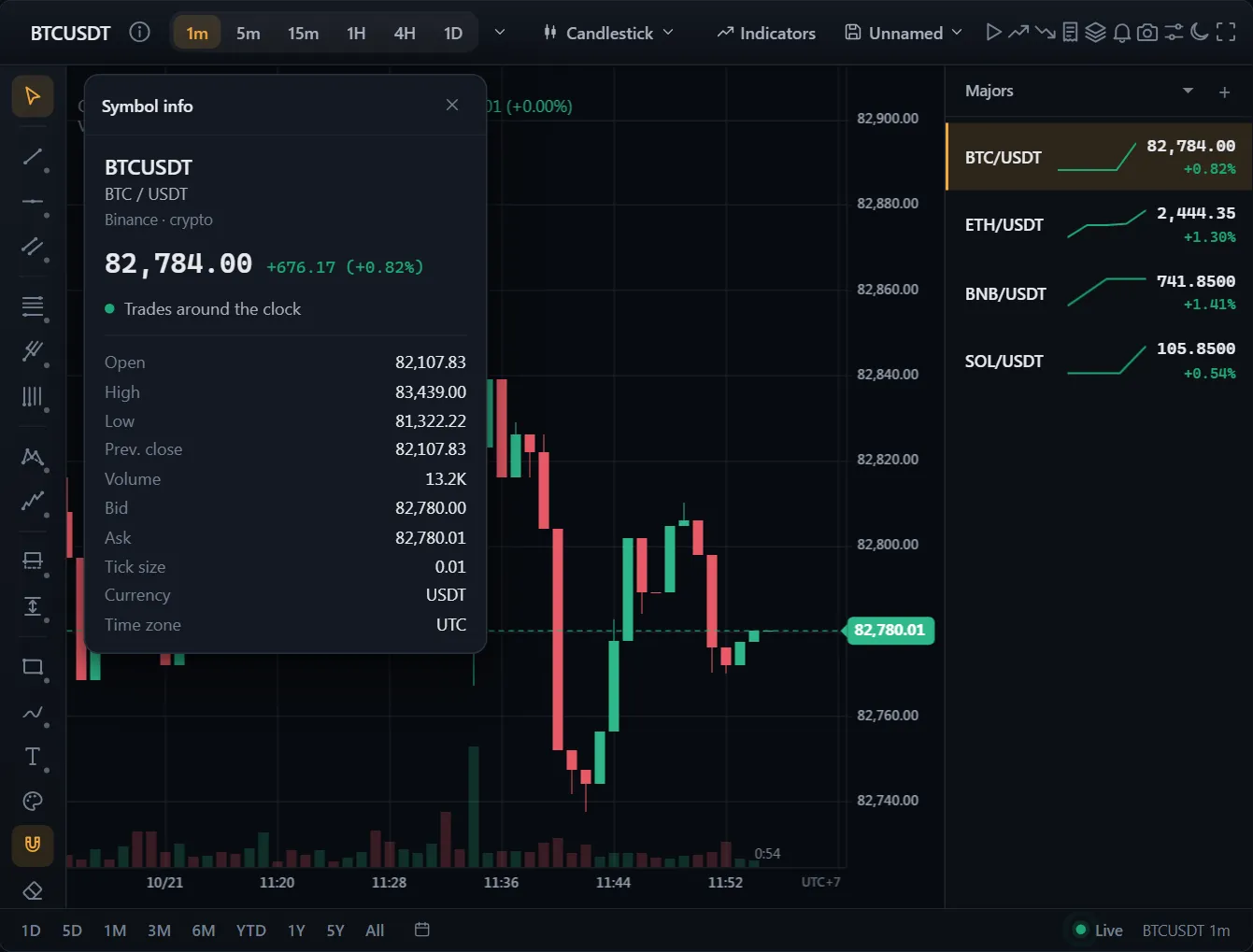
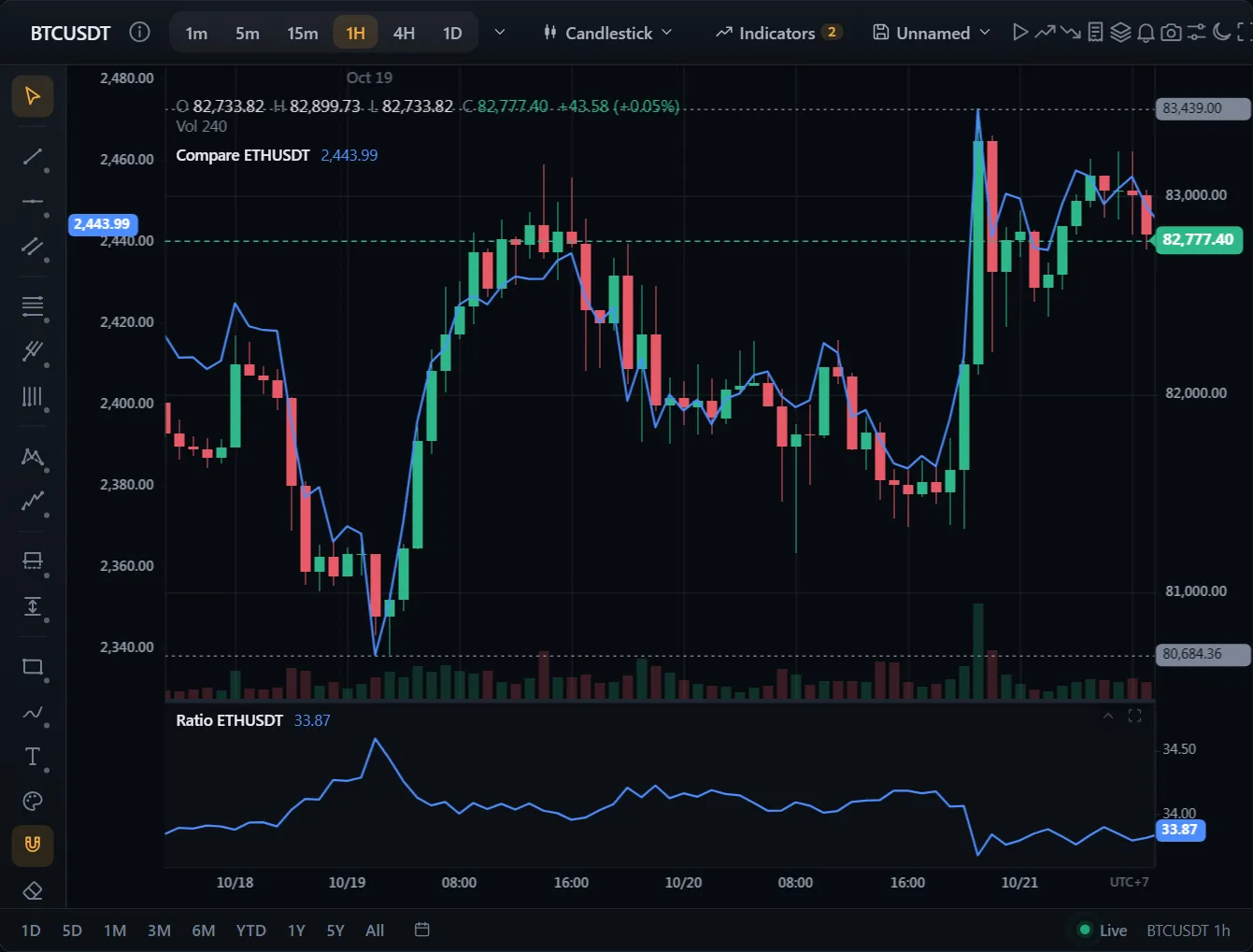
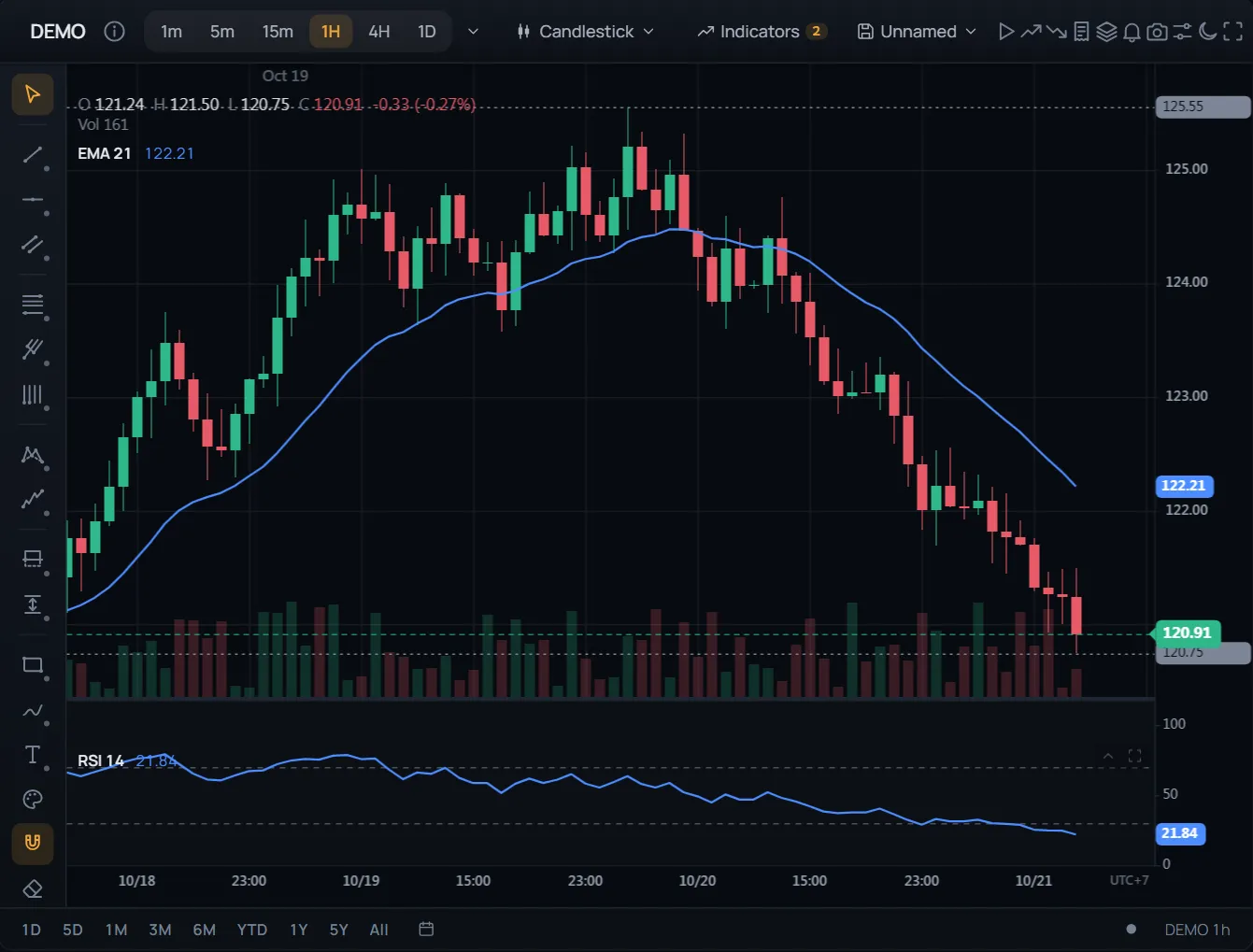
바로 쓰는 완성 화면: 주문창, 차트 위 주문과 포지션, 끌어서 옮기는 손절과 익절, 관심종목, 알림, 봉 리플레이.
지정가, 스탑, 브래킷 주문이 가격축 위에 놓입니다. 선을 끌어 수정하세요.
API: ChartWidget