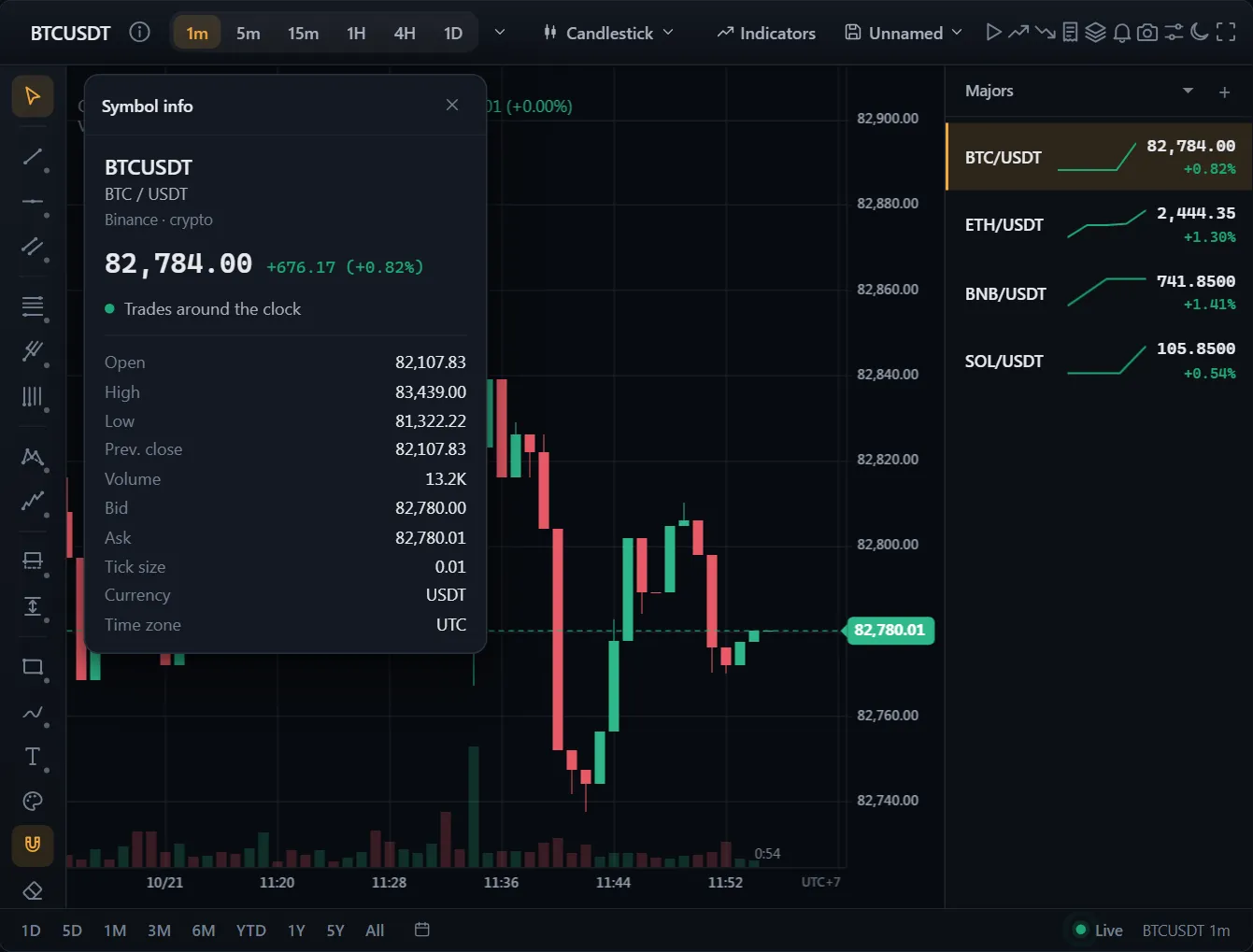
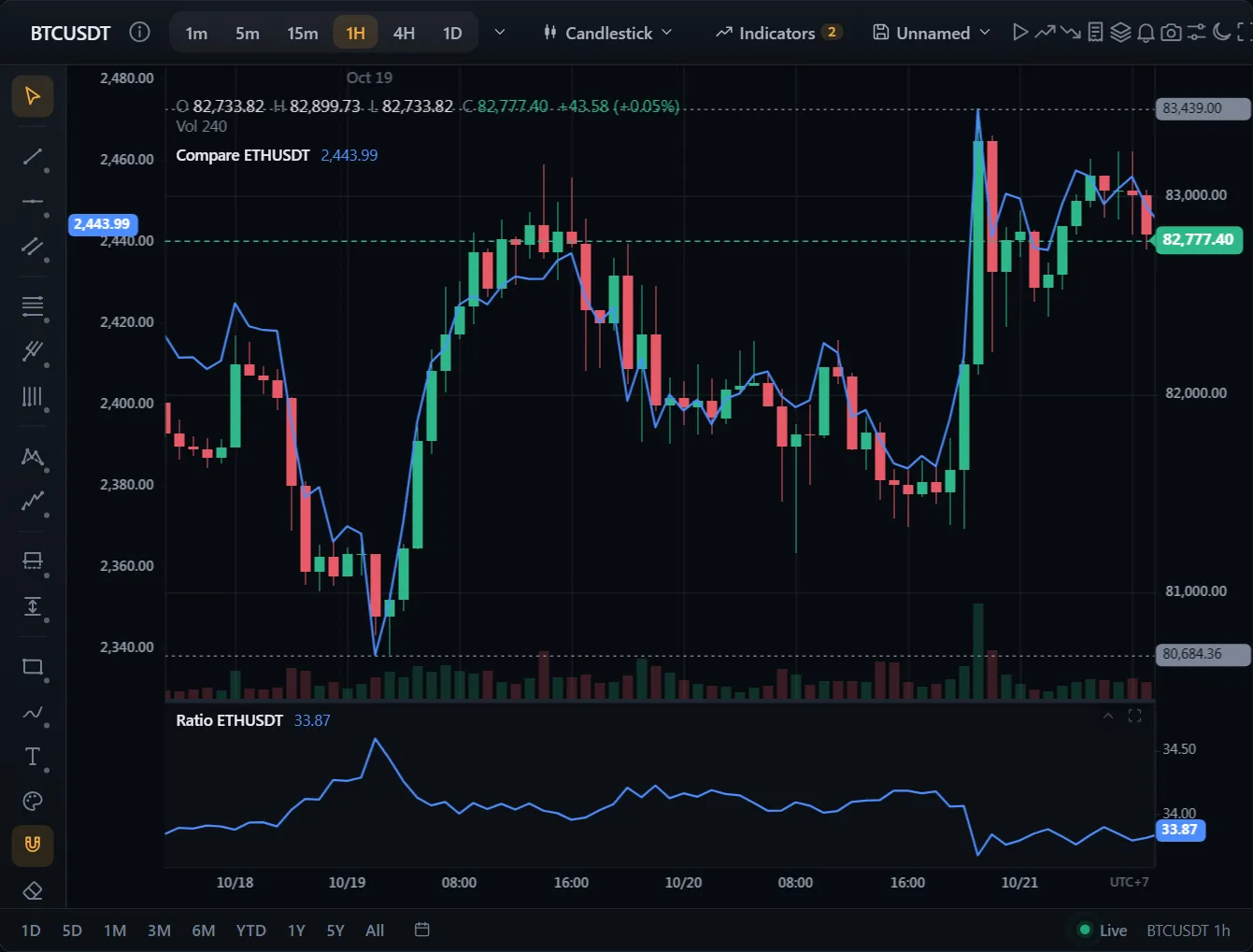
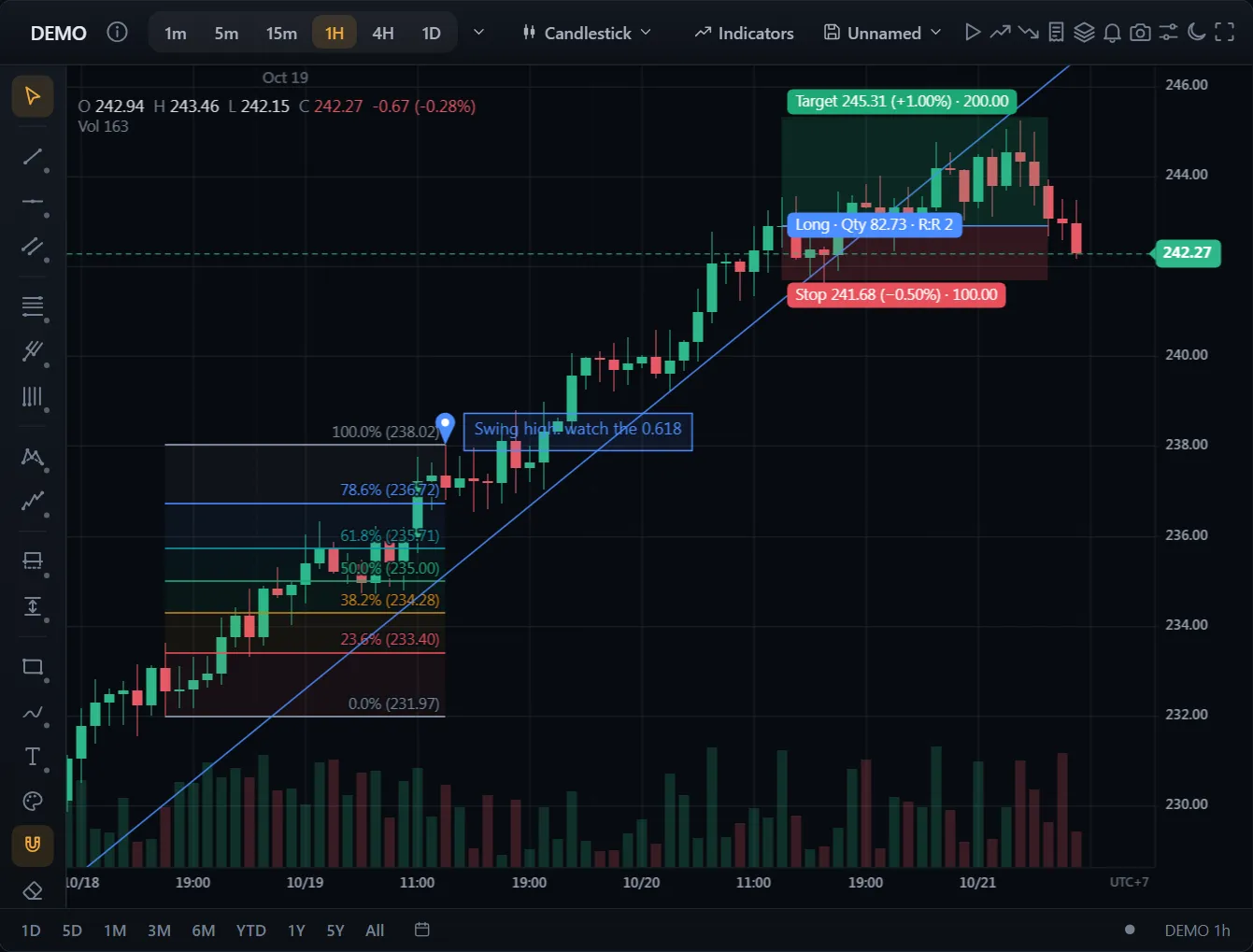
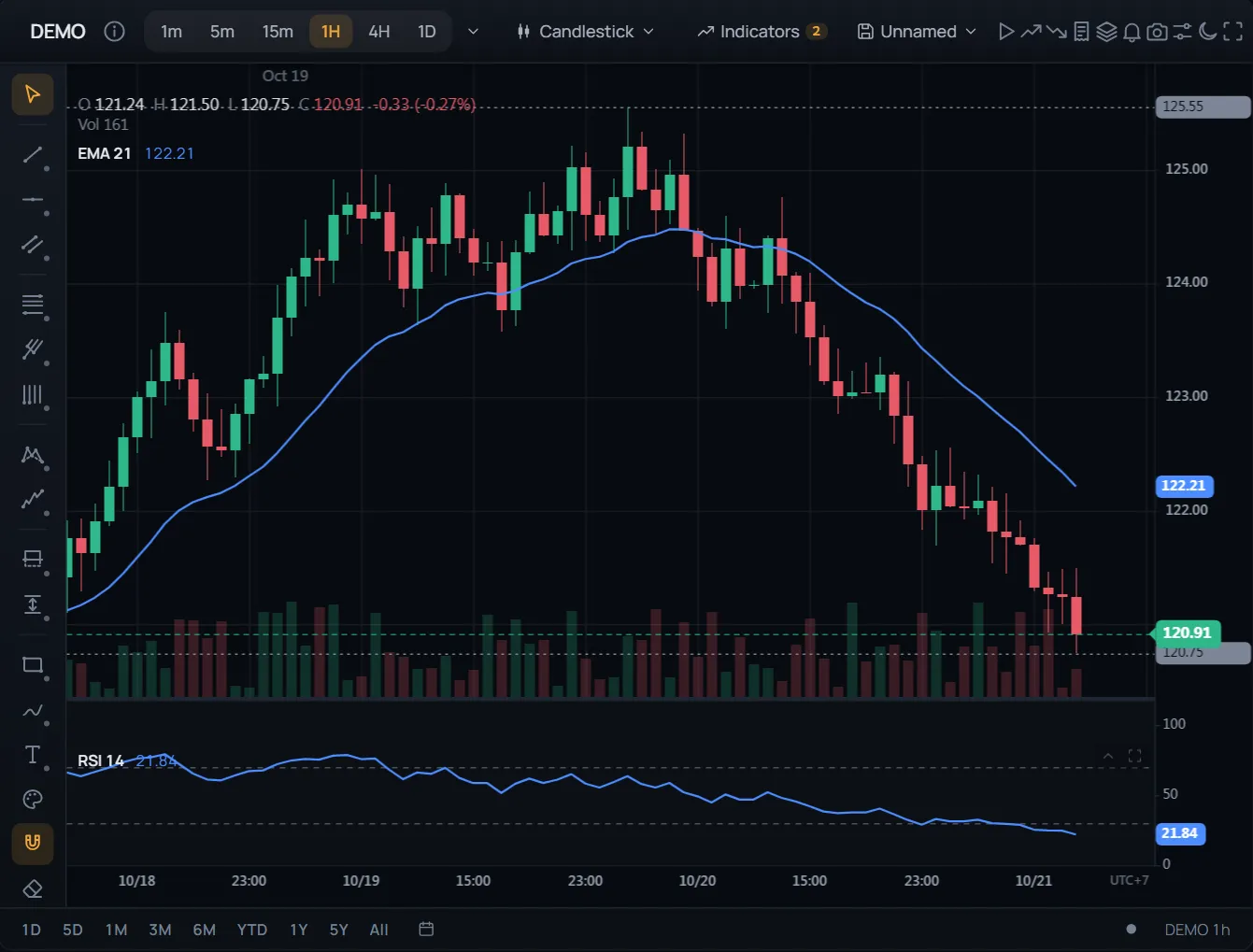
คำสั่งและสถานะบนกราฟ
โค้ด
อ่านเอกสาร →import { ChartWidget } from '@tradecanvas/chart/widget'
// feed: your DataAdapter (a WebSocketAdapter, or your own class)
const widget = new ChartWidget(document.getElementById('chart')!, {
symbol: 'AAPL',
timeframe: '5m',
theme: 'dark',
adapter: feed,
trading: true, // order ticket, orders and positions on the chart
})
// Each order from the ticket, the chart or the ladder reaches you here.
widget.getChart().on('orderPlace', (order) => broker.place(order))● ข้อมูลตลาดจำลอง สร้างขึ้นในเบราว์เซอร์ของคุณ
หน้าจอครบชุดพร้อมใช้ทันที: หน้าต่างส่งคำสั่ง คำสั่งและสถานะบนกราฟ จุดตัดขาดทุนและทำกำไรที่ลากได้ รายการเฝ้าดู การแจ้งเตือน และการเล่นซ้ำแท่งเทียน
คำสั่ง Limit, Stop และแบร็กเก็ตอยู่บนแกนราคา ลากเส้นเพื่อแก้ไข
API: ChartWidget