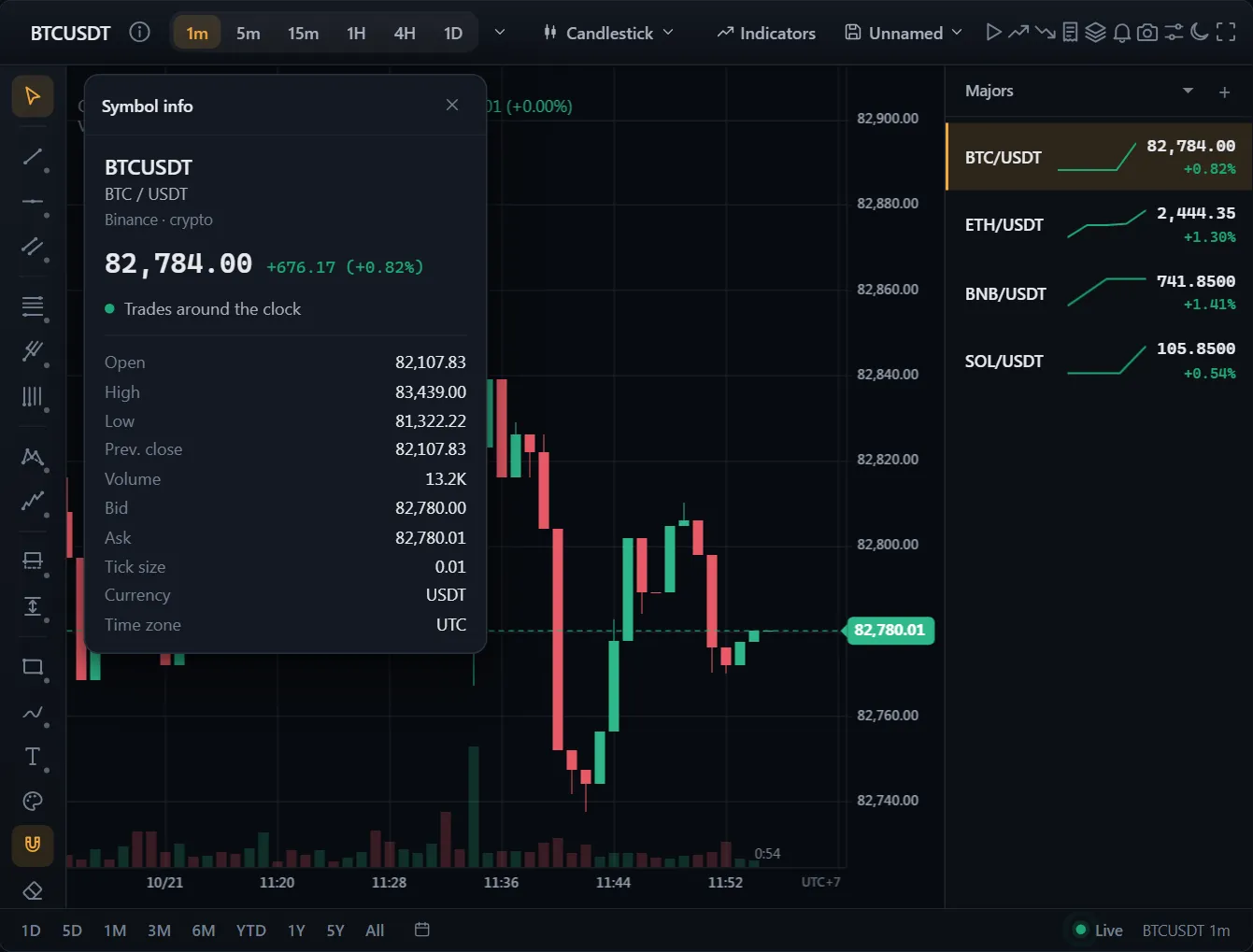
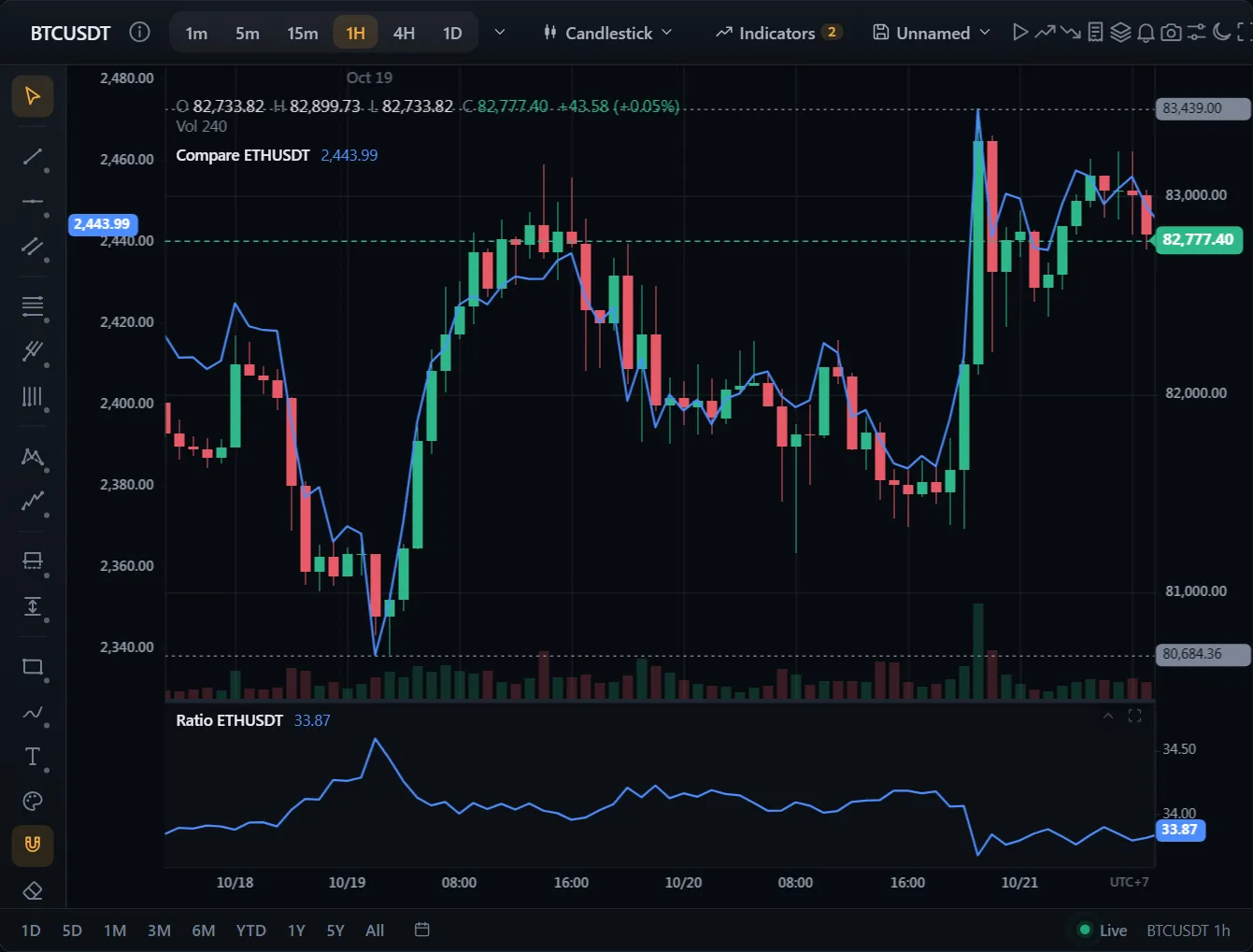
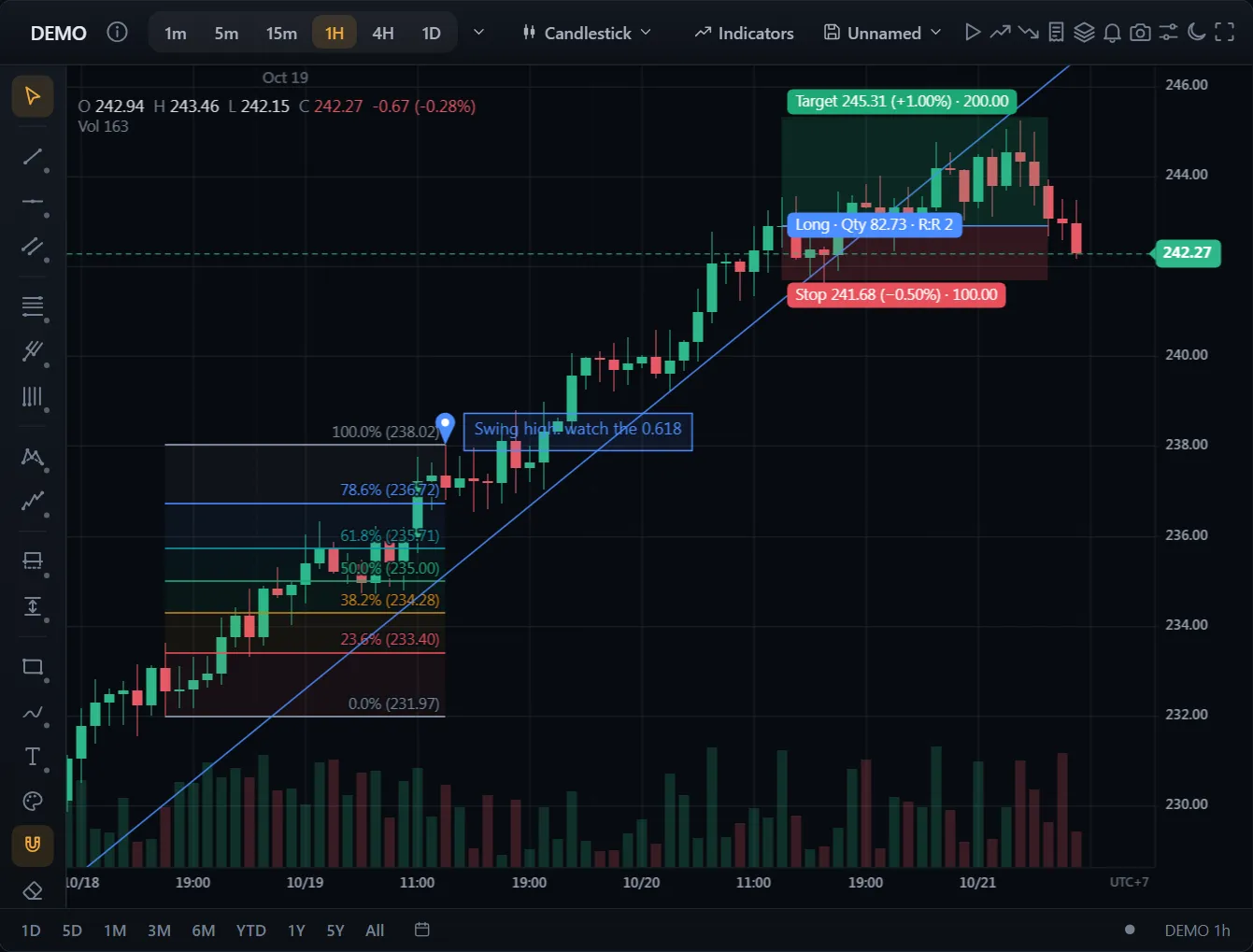
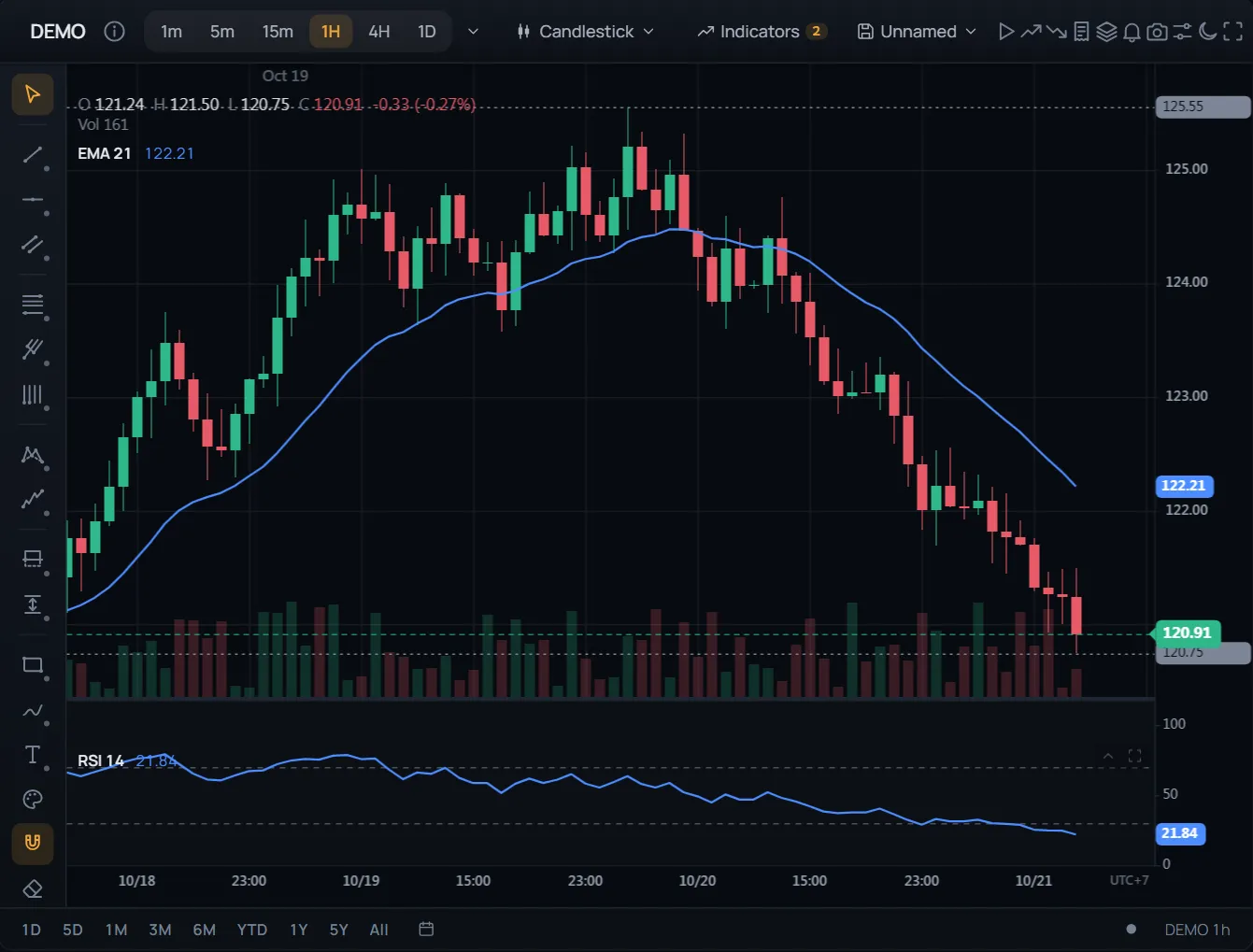
圖表上的委託與部位
程式碼
閱讀文件 →import { ChartWidget } from '@tradecanvas/chart/widget'
// feed: your DataAdapter (a WebSocketAdapter, or your own class)
const widget = new ChartWidget(document.getElementById('chart')!, {
symbol: 'AAPL',
timeframe: '5m',
theme: 'dark',
adapter: feed,
trading: true, // order ticket, orders and positions on the chart
})
// Each order from the ticket, the chart or the ladder reaches you here.
widget.getChart().on('orderPlace', (order) => broker.place(order))● 模擬行情資料,在你的瀏覽器中產生
開箱即用的完整畫面:下單面板、圖表上的委託與部位、可拖曳的停損與停利、自選清單、警示與K線回放。
限價單、停損單與括號單都在價格軸上。拖曳線條即可修改。
API: ChartWidget